
Froebel Parents · PA Consultant · Manager Apps
Three Blazor Server apps (Parents, PA, Manager) on top of one MSSQL — sign-up runs on PASS + auto-matching against the ERP, content visibility flows ItemCode → grade → month permission matrix, and the manager console is a Depth1–4 tree CRUD plus FTP image uploads.
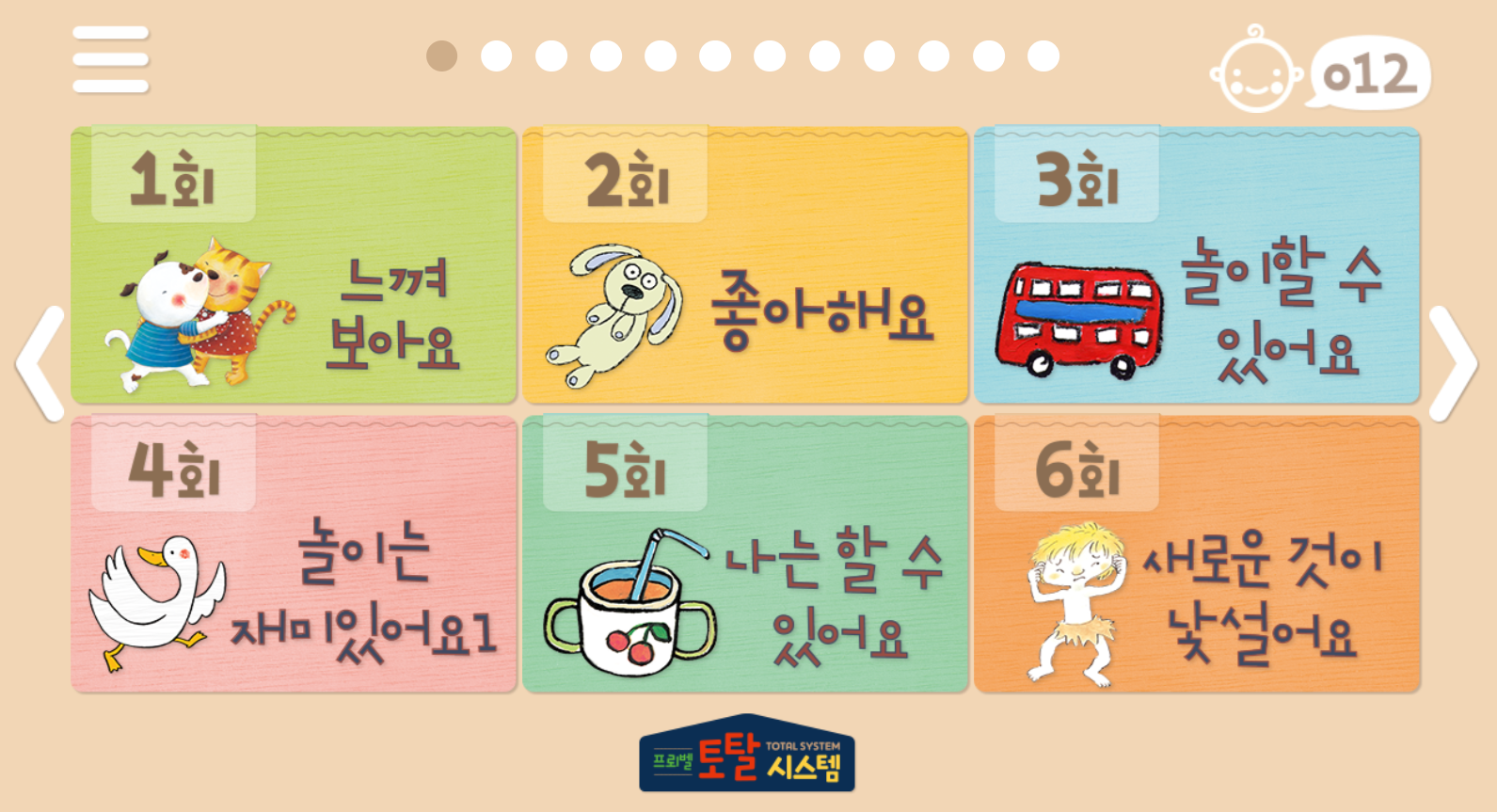
This is an integrated web system that allows three groups—Froebel early childhood education content for parents (members), PA counselors, and operators (administrators)—to use the same content assets with different entry points. The key is that member registration, grades, content exposure, and expiration are all synchronized with the ERP's product code (ItemCode), so operators can release new products and new content in the same flow without directly touching SQL.
Product Overview — 3 Apps / 1 DB
• Parent App (FroebelParentsApp) — The main channel where parents of infants and young children view books, videos, and smart pen content, and record attendance and progress.
• PA Consulting App — Separate entry point within the same solution (UserConsultant/*, Login2.cshtml). Content is shared with the parent app, but the entry screen and exposure filter (num=1) are branched.
• Administrator App (FroebelParentsManager) — Separate Blazor Server solution, directly referencing the same MSSQL. CRUD content trees, users, grades, and logs on the screen.
• Data: Single MSSQL DB. Content assets + users + permissions + logs are in the same DB. ERP is a separate DB (B2B ERP) and is only queried at the time of registration and renewal.
• Operation History: 2024.01 1st document / 2024.04 Server access information organized / 2025.10 IIS installation guide updated
Technical Stack
• Framework: ASP.NET Core Blazor Server + MVC (.NET 6.0, Visual Studio 2022) — Same for both parent/PA app and administrator app
• DB: MS SQL Server + EF Core (write/migration) + Dapper (read SQL) hybrid
• Authentication: ASP.NET Core Identity + PASS Mobile Phone Authentication (refer to CheckPlusSafe_NET) + JWT (API)
• ERP: Separate SQL Server (B2B ERP, ICT_USER_TB) — Direct multi-DB connection with Microsoft.Data.SqlClient
• UI: Bootstrap, MatBlazor, BlazorStrap V5, Sve.Blazor.InfiniteScroll, WMBlazorSlickCarousel, BlazorInputFile (administrator)
• Mail/Log/Session: SendGrid, Log table, Blazored.SessionStorage / API Documentation: Swashbuckle (Swagger)
• Files: Content images — Uploaded to the in-house FTP server (maas.saeaict.com:21/Parents/Images/...) and only the path is recorded in the DB
Solution Configuration
• Parent/PA Solution — BlazorTestApp1 (web app) + FroebleParentsModel (shared domain class library). Pages/User/* (parent) / Pages/UserConsultant/* (PA) / Areas/Identity (registration/login) / Controllers (ThinkingPen API).
• Administrator Solution — FroebelParentsManagerApp (web app) + FroebelParentsManagerModel (class library). Pages/UI/* (content CRUD) / Pages/TreeView/* (tree preview) / Pages/UserManagements/* (member/grade) / Pages/LogView/* (log).
• Shared DB Context — Both apps use the same SqlConnection / same Models. Content models (Depth1~4, Composition, Contents, UserContentsPermission, UserRoles) and member models (AspNetUsers, TS_user*) have a 1:1 correspondence.
1) User Management — Registration Flow
Registration flows in the following 5 steps — if any step fails, it is recorded in the Log table along with the reason.
① Enter name and phone number in UserJoin.razor (parent) / UserJoin2.razor (PA)
② PASS Mobile Phone Authentication — controller.js / fnPopup() calls the PASS popup, callback with authentication result
③ ERP Matching — IERPSqlService.ERPconnSql(Name, PhoneNumber) finds the most recent (order by CONT_DATE desc) contract in the separate ERP DB ICT_USER_TB and returns ITEM_CODE and CONT_NUM
④ ASP.NET Identity Registration — Receives password and terms agreement in Areas/Identity/Pages/Account/Register.cshtml and INSERTs into AspNetUsers (userIdx is filled by UserDapperRepository.UpdateUserIdx with the immediately preceding maximum value + 1)
⑤ Grade Assignment — See the next section
Login branches to Login.cshtml (parent) / Login2.cshtml (PA), and logout, find ID, and reset password follow the same pattern.
2) User Grade Management — ItemCode Matrix
The requirement that "content varies depending on the purchased product" was solved with the following matrix.
① ItemCode → Grade Calculation
• TS_useriteminfo table is the ItemCode master — ItemCode, ItemName, ItemType (parent/PA/IB/Kinder branch), userGrade, userGrade2
• At registration, query the grade with UserDapperRepository.GetUserGradeByItemCode(ItemCode) → cache in AspNetUsers.userGrade / itemType
② Grade → Content Category
• UserRoles is the grade-specific category mapping — Role, Name, Value1/Value2 (list of allowed content IDs), Child·Kinder (infant/kindergarten branch flag), BookFindImg
• GetIBClassDataByUserData(UserGrade, perm) creates an allowed category with STRING_AGG('@'+ Value2 + '@', ',') and filters with Depth4_BP.Name in (...)
③ Grade → Allowed Month
• UserContentsPermission(key, page, month) table is the list of allowed months by permission key
• After getting the list of allowed months with GetPermissionByKey(key), dynamically build the month = M1 or month = M2 ... clause when SELECTing Depth1·Depth4_BP
④ Expiration/Renewal
• Cache the expiration date in AspNetUsers.expiry_date — Verify at login, renew by re-querying ERP with ERPconnSqlUserData at the time of renewal
• Change history is in the Log table + reviewed directly by the operator in the administrator app
3) Content Management — 4-Level Tree + Class Configuration
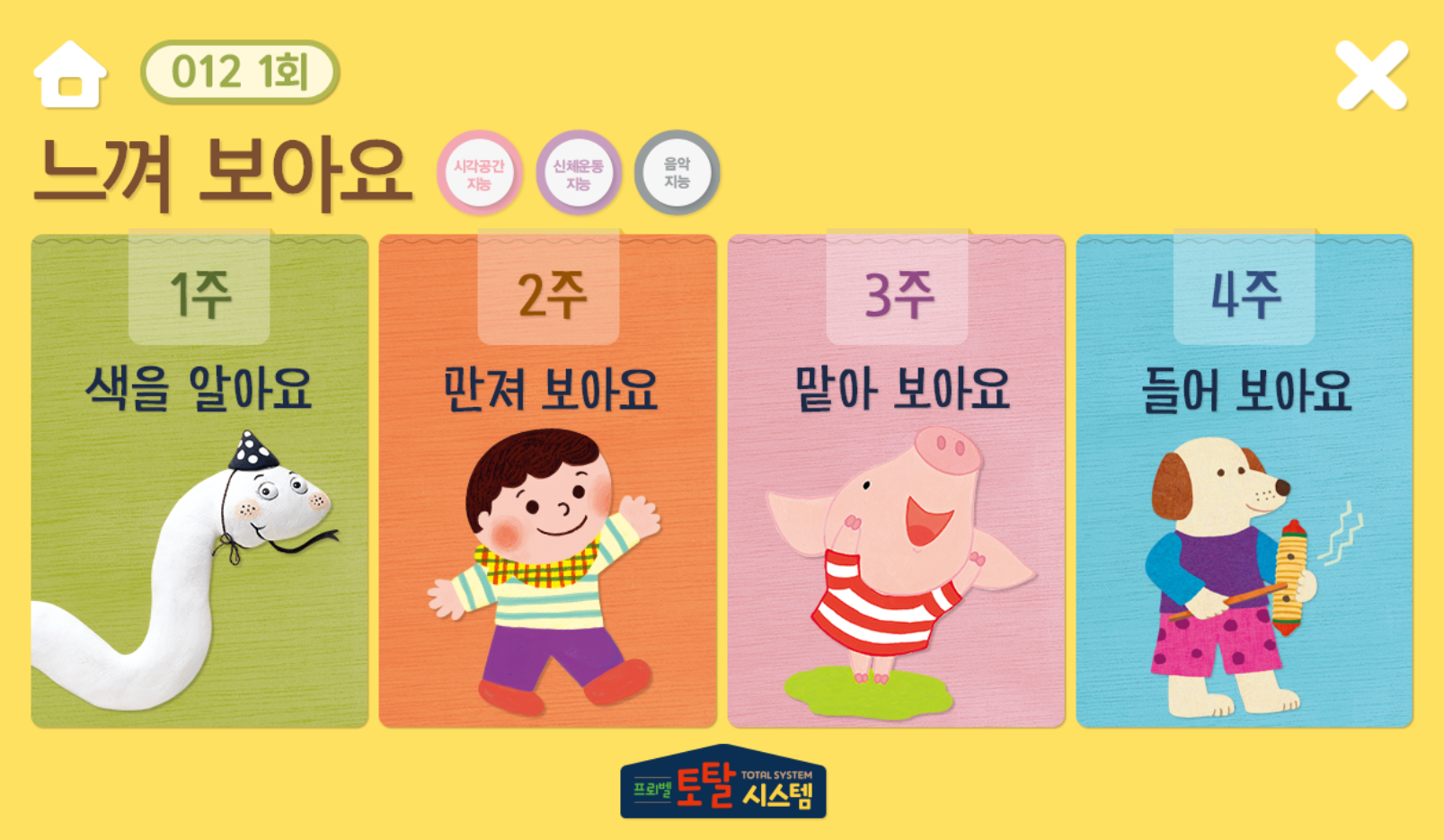
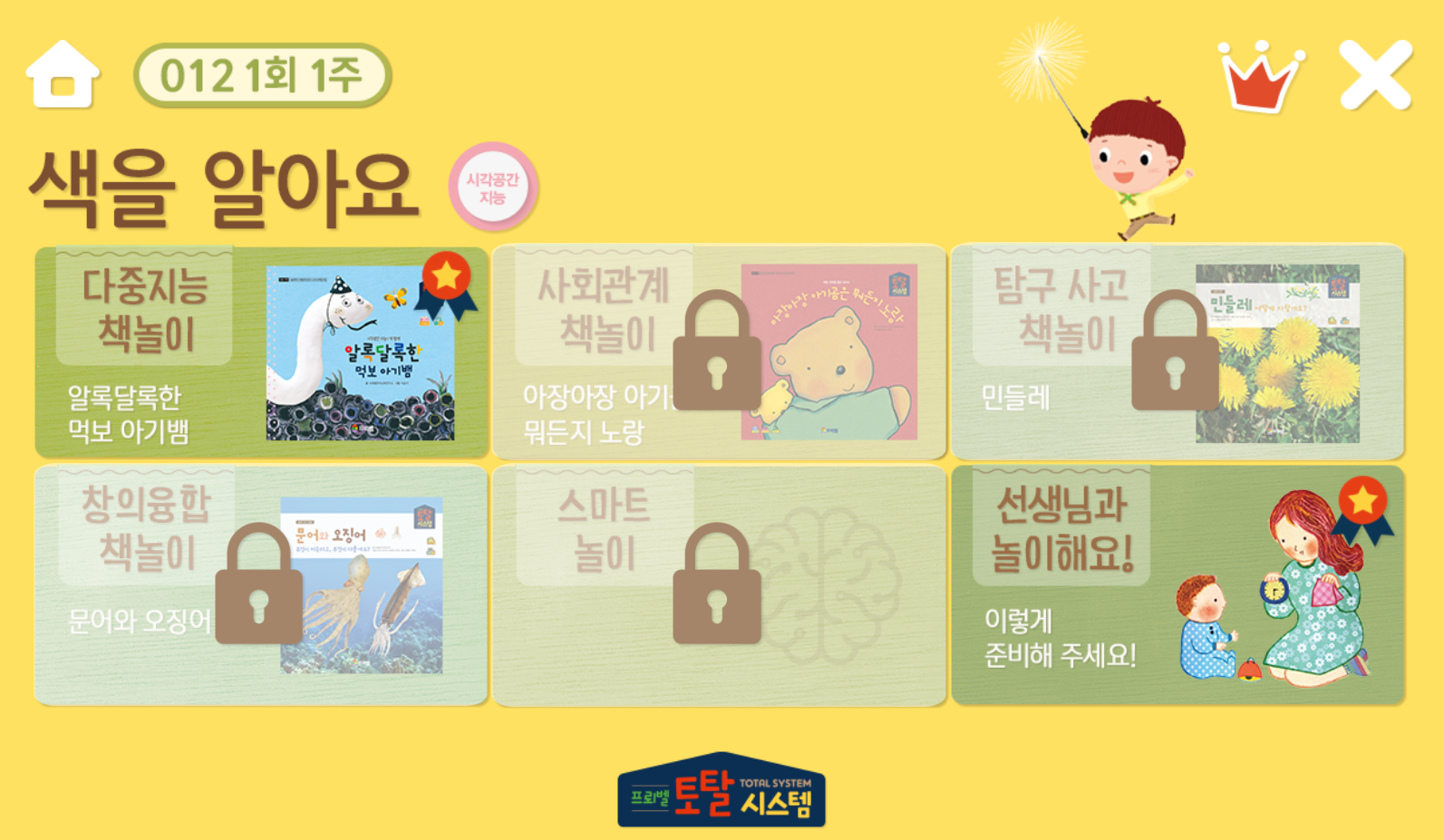
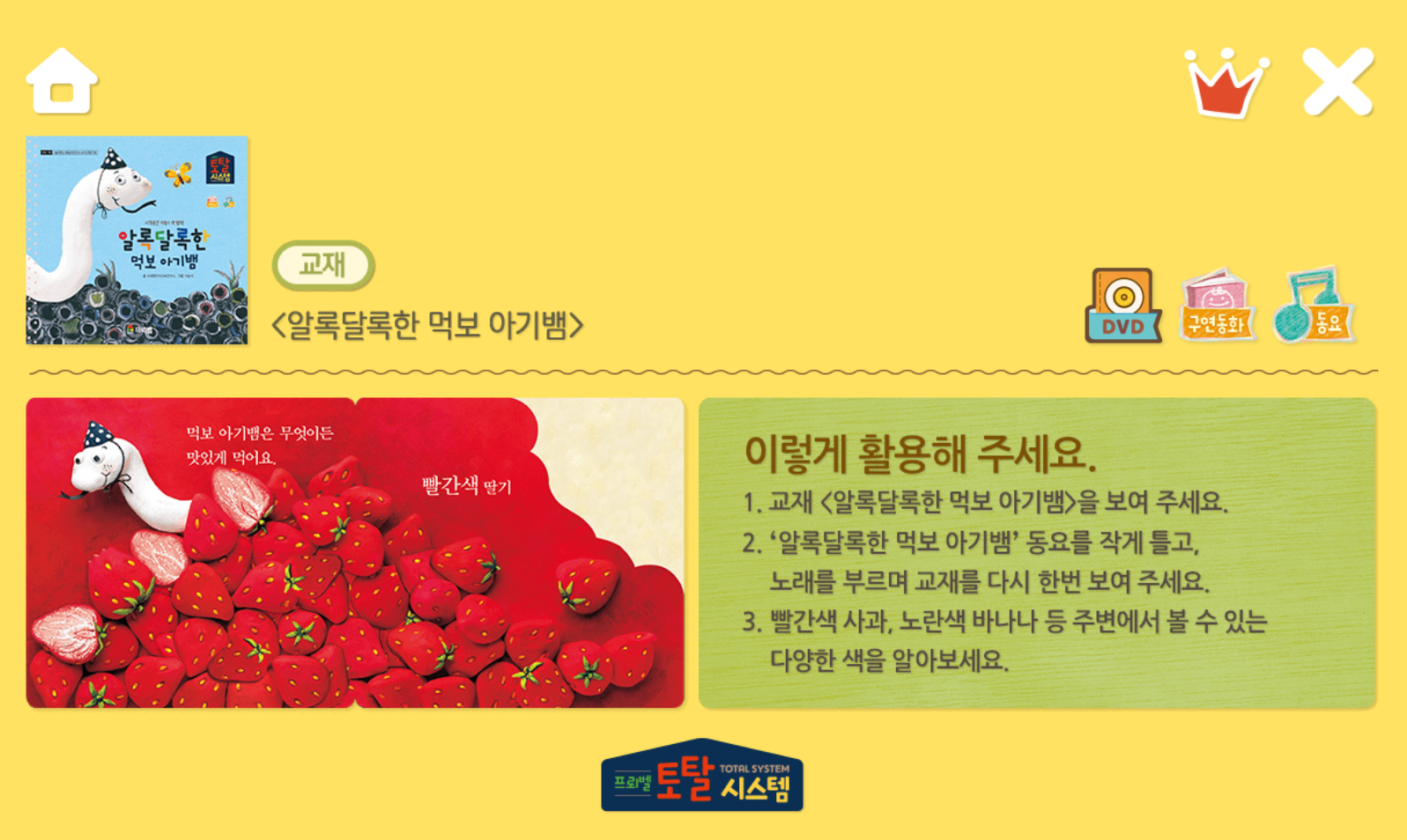
Content is normalized into a 4-level tree of Depth1 → Depth2 → Depth3 → Depth4.
• Depth1 — Monthly entry card (page, month, number, NumberImg, btnImg, btnArg1~3)
• Depth2 — Subcategories by month / week / content type (index, month, week, type, btnArg1)
• Depth3 — Content menu (id, index, btnArg1/2) + Smart Pen integration with OIDVersion·OIDCode
• Depth4_BP — Book/Play body (idx, Name, title, list_imgSrc, pop_imgSrc, Page_imgSrc, typeClass, btn_color)
• Depth4_teacher — Permissions by class grade (index, grade, auth)
• Composition — Class configuration table (index, grade, auth, Background, Text) — Background/instruction text by grade
• Contents — Actual media (Link, ImgLink, type, OIDCode/OIDVersion) — Actual path of mp3·mp4·images played within the book
• Preferences — ContentsName↔Directory mapping (abstract content folder location)
• PenVOD / ThinkingPen — Smart pen matching video·category
The administrator app CRUDs all of the above tables on the screen, and can register seasonal content at once not only by adding single items but also by batch adding Lists (AddDepth1DataList, etc.).
4) ERP Integration — B2B ERP Multi-DB
Separate from the content/member DB, there is member contract information in the in-house B2B ERP DB. It is queried directly only at the time of registration, renewal, and expiration verification.
• Target table: ICT_USER_TB — UserName, PhoneNumber, ITEM_CODE (product code), CUST_CODE (customer code), CONT_NUM (contract number), CONT_DATE (contract date), userGrade
• ERPconnSql(Name, PhoneNumber) — At registration, the most recent contract (top 1 ... order by CONT_DATE desc)
• ERPconnSql2(Name, PhoneNumber) — The entire list of multiple contracts for the same person (grade combination when holding multiple products)
• ERPconnSqlUserData(Name, Phone, ItemCode) — Contract details for a specific ItemCode (expiration/renewal verification)
• Failure cases (name/phone mismatch, no contract, etc.) are all recorded in the Log table as type='Join', detail='Membership registration failed / ERPconnSql ...' → Operator can immediately check on the administrator app Log screen
• ERP credentials/IP are limited within IERPSqlService — Not directly exposed anywhere in the app code (in-house network + IP whitelist)
5) Administrator Console — FroebelParentsManager
Although it is a separate Blazor Server solution, it directly references the same MSSQL. Operators handle all operations on the screen without needing to touch SQL.
• UI / Content — Pages/UI/Depth1_List.razor ~ Depth4_BPList.razor, Composition_List.razor, Contents_List.razor, Depth4_TeacherCreate/List.razor, BookPlay.razor
• Tree View — Pages/TreeView/UIMain.razor + Depth1~4Page.razor. Builds the 4-level tree of Category1~4+Title from the Depth2.btnArg1 ↔ Depth3.[index] JOIN result to show the operator the entire structure
• Member / Grade — Pages/UserManagements/UserList.razor, UserDetails.razor, UserRolesList.razor. AspNetUsers CRUD + UserRoles grade master + UserContentsPermission mapping review
• Log — Reviews all events such as ERP integration failures and registration rejections in chronological order with Pages/LogView/Log_List.razor
• Image Upload — Uploads images received with BlazorInputFile to the in-house FTP server (/Parents/Images/...) and updates the DB path with UpdateBookPlayImgByData(Name, title, list_imgSrc, pop_imgSrc) — Used when batch replacing content covers
Book Player + Activity Tracking
• The book player comes in three types: BookPlay (standard picture book), BookPlay_Video (VOD embed), and BookPlay_Smart (Thinking Pen integration)
• OID Code API — When an external smart pen sends OIDVersion + OIDCode, GetOIDContentsDataByTypeAndCode immediately returns the matching content
• User activity is accumulated in four tables: TS_userActLog (history) / TS_userCurrentAct (current progress) / TS_userAttend (attendance) / TS_userWeekDone (week completed), so parents and PAs view the same records from different perspectives on their respective screens
Authentication / API / Operation
• External APIs (AppDataController, AuthController) are protected with JWT Bearer — ITokenService issues/verifies, used for smart pen and external client integration
• Deployment: Published on the in-house IIS server (Visual Studio Build → Publish Folder → IIS Update). Parent/PA app and administrator app are operated as separate sites
• Security: WEB / Operation DB / ERP DB can all be accessed only from the company IP whitelist
• Result: A flow is completed where operators can release new products, grades, and content without directly touching SQL — Register the product in ERP, define the grade mapping and content tree in the administrator app, and it is immediately reflected on both the parent app and the PA app
Have an idea?